
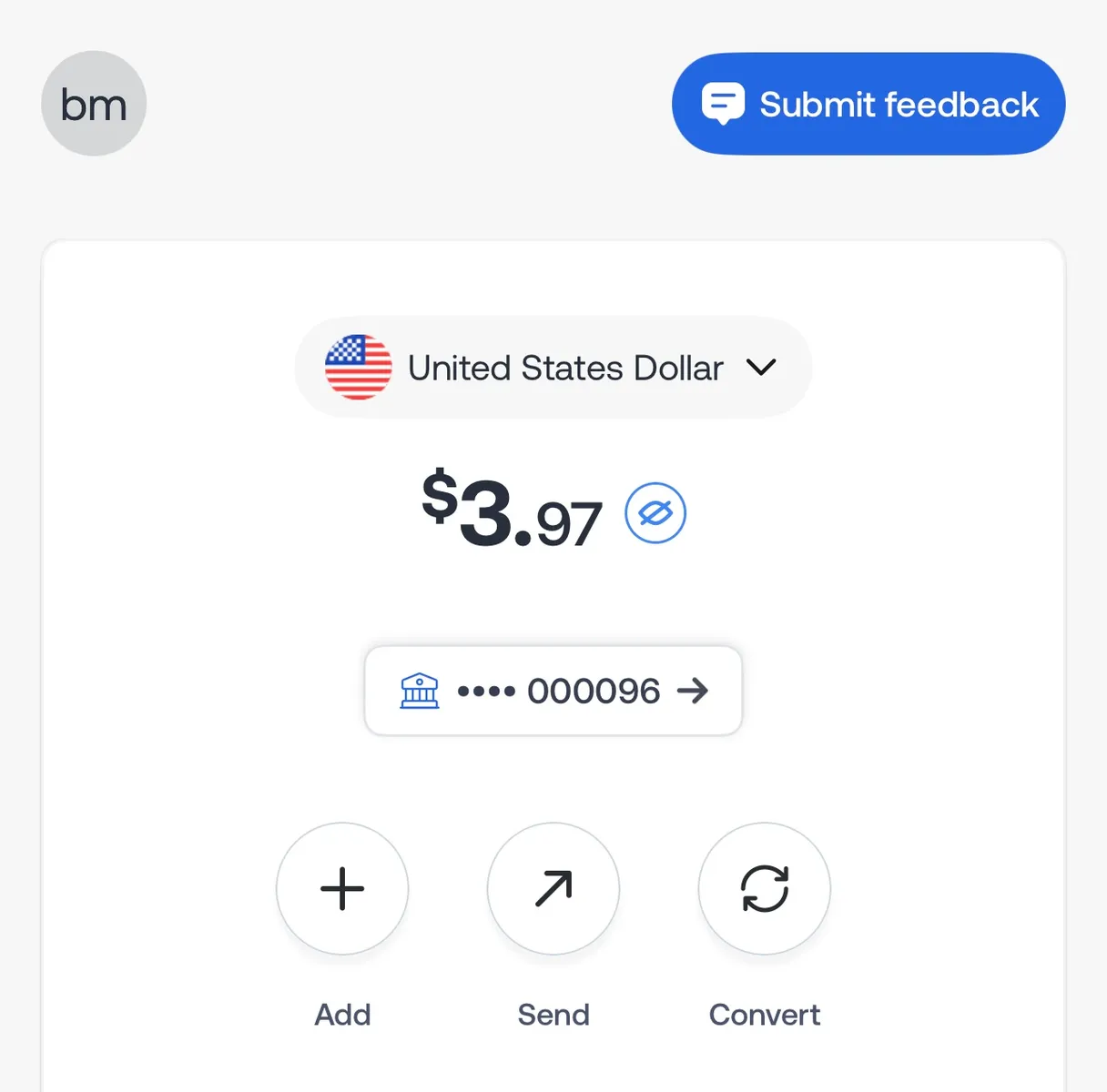

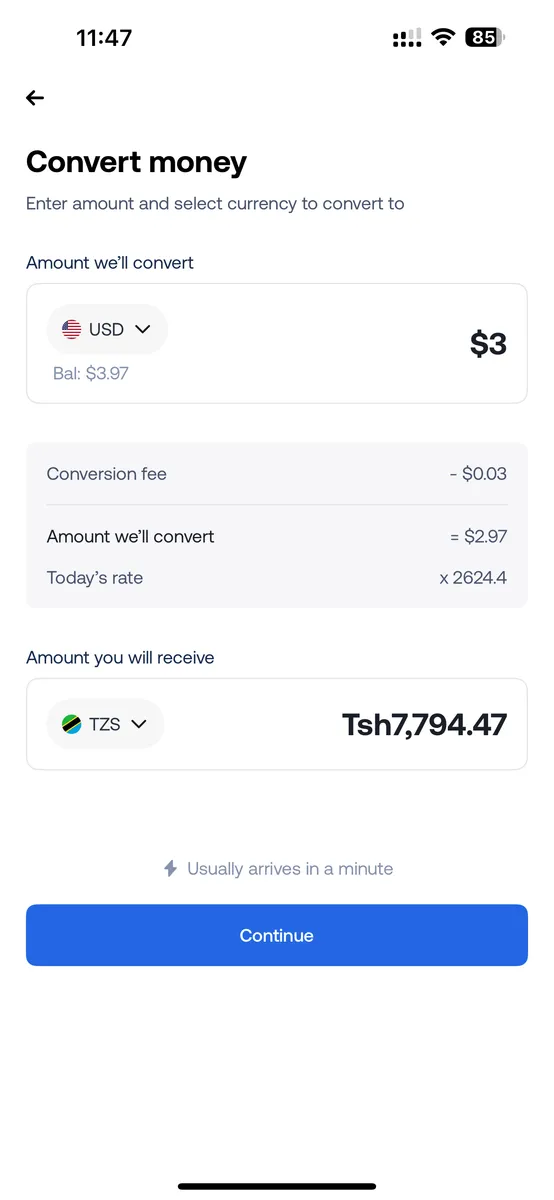




Here's a question: if you send €500 from Germany to India today, how much will your family actually receive? You'd think there would be one simple answer, but check a few money transfer apps and you'll probably get three different amounts.
And if you're regularly sending money from Europe to India, those differences matter. Every euro spent on transfer fees or conversion charges is money your family could be receiving instead.
So, if you're wondering how to send money from Europe to India, this guide will help you compare transfer methods, understand the fees, find the cheapest way to send money and make sure more rupees reach your recipient.
Quick answer: The easiest way to send money from Europe to India is usually through a transfer app that supports Indian bank deposits or UPI payouts. Create an account, verify your identity, enter the amount, review the exchange rate and fees, then confirm. Transfers may arrive within minutes or take several working days, depending on the provider.
What is the best way to send money from Europe to India?
For most people, a money transfer app offering Indian bank deposits or UPI payouts is a convenient option. You can usually see how many Indian rupees (INR) the recipient will receive before confirming.
Traditional bank wires are another option, particularly for larger payments, but may involve additional charges and longer processing times.
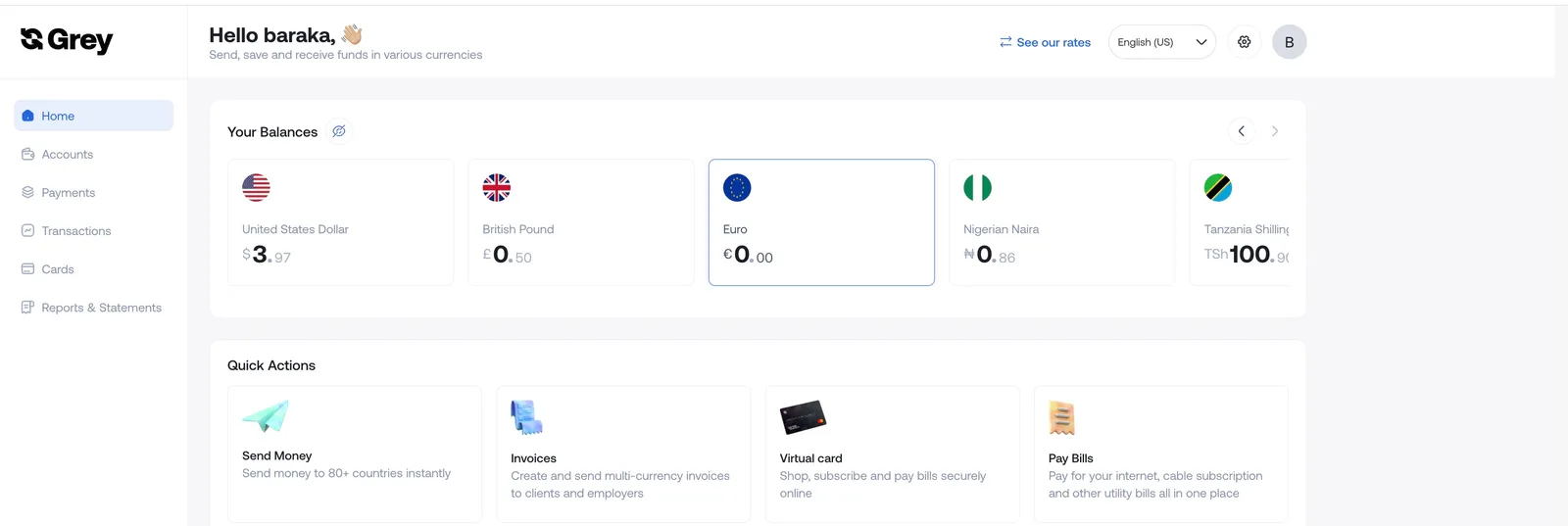
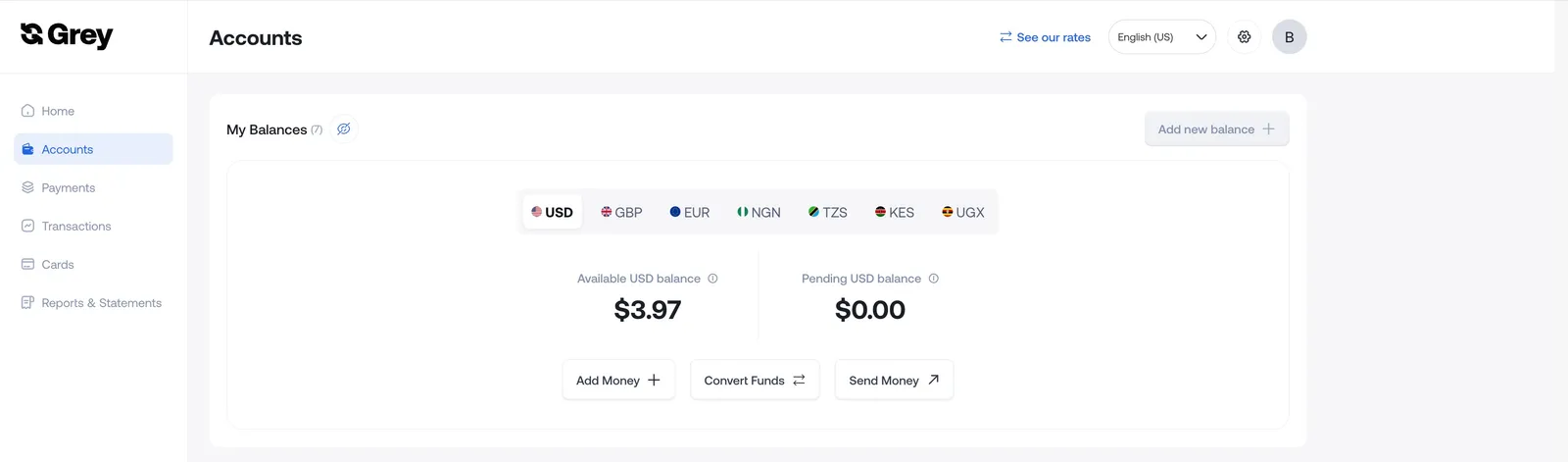
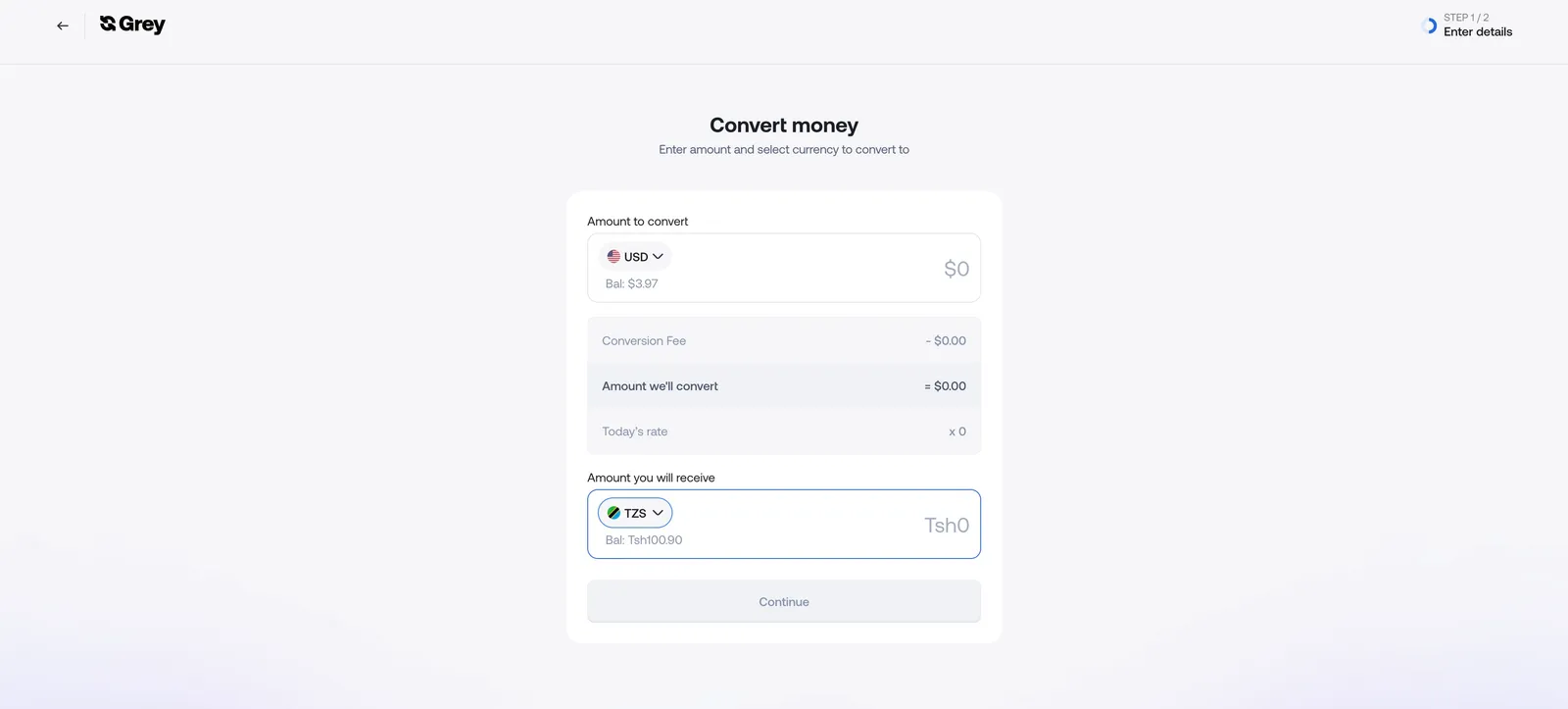
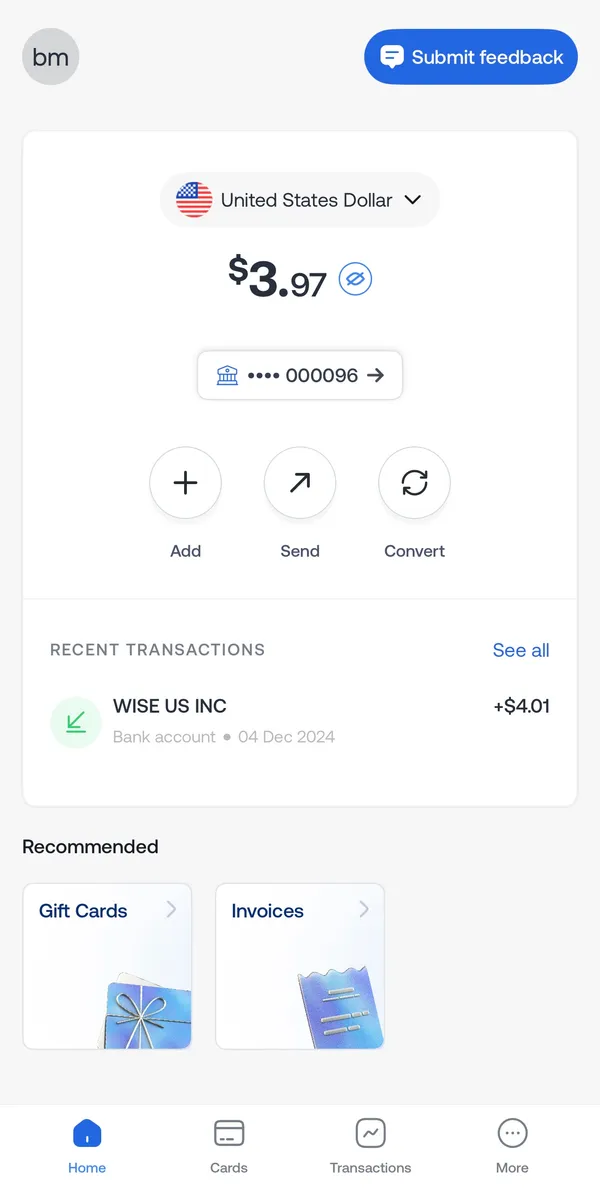
Grey, for example, supports INR payouts to Indian bank accounts and UPI IDs. You can manage supported foreign currencies in your account and review the exchange rate, fees and final amount before sending. Available options depend on your location and account eligibility.
You can also compare the best apps to send money internationally or check how to send money from the UK to India if you're based in Britain.
Also read: What is the best app to send money to India from the US?
How to send money from Europe to India step by step
You can send money from Europe to India in six steps using a provider that supports Indian bank transfers or UPI payouts.
1. Choose a transfer provider
Check which services operate in your country and support payments to India. Fees and funding methods can differ between Germany, France, Ireland and other European countries.
If you're based in Germany, for example, check the available options to send money from Germany to India.
2. Create an account and verify your identity
Sign up and complete the required identity checks. You'll usually need personal details and a valid identity document. Larger transfers may require additional verification.
3. Enter the amount
Choose your sending currency, usually EUR, and enter how much you want to transfer. Check the estimated INR amount alongside the exchange rate and fees.
4. Add the recipient's details
For an Indian bank transfer, you'll generally need the recipient's name, account number and IFSC code. If UPI is supported, you may be able to use an eligible UPI ID instead.
Grey supports both payout methods for eligible INR transfers. Your recipient doesn't need a Grey account, but their bank details or UPI ID must be correct.
5. Review and confirm
Check the exchange rate, fees, recipient amount and estimated delivery time.
With Grey, you can review these details in the app before authorising the transfer through the required security verification.
6. Track your payment
Keep the transfer confirmation and follow its status in the app. Some transfers arrive within minutes, while others take longer because of bank processing or verification checks.
If you regularly earn in euros, you can also check whether you're eligible to open a euro account with Grey and receive supported EUR payments through SEPA.
What it costs: fees and EUR to INR rates
The cost of sending money to India comes down to three things: the transfer fee, the exchange rate and any additional charges.
A service advertising a €0 transfer fee isn't necessarily cheaper than one charging €4. The exchange rate can change how much your recipient actually receives.
Understanding the exchange rate margin
Some providers offer a rate below the reference EUR to INR exchange rate. The difference is called the exchange rate margin, and it affects the amount delivered even when the transfer itself is advertised as free.
Example: sending €500 to India
Imagine the reference rate is €1 = ₹100. This is an illustrative example, not a live exchange rate.
Despite charging €4, Provider B delivers ₹600 more.
That's why the cheapest way to send money from Europe to India is to compare the final INR amount rather than the advertised fee alone.
What fees does Grey charge for transfers to India?
Grey's published USD-to-INR pricing includes a 1% conversion fee without a percentage-fee cap. Its withdrawal-fee guidance also lists a $1.50 fee for eligible INR bank and UPI payouts.
For example, converting $500 from USD to INR would cost $5 in conversion fees. Including the listed $1.50 payout charge, the combined fees would be $6.50, excluding funding costs and any exchange rate difference.
If you receive euros into Grey through SEPA or SEPA Instant, the published deposit fee is 0.8%, with a €2 minimum and €10 maximum.
These charges apply to different transactions. The USD-to-INR fee shouldn't be treated as the price of a direct EUR-to-INR transfer, so check the available route and final quote in your account.
Grey's published US-to-India information also lists limits of ₹450,000 per bank transfer and ₹100,000 per UPI transfer. Limits for European corridors may differ.
If you're based in the Netherlands, you can check how to send money from the Netherlands to India and compare the available quote.
Sending money home? Send money from Europe to India with Grey and check the available exchange rate, fees and payout options before confirming.
Can you send money from Europe to India without charges?
You may find providers offering fee-free transfers, but that doesn't always mean there are no costs.
Some offer introductory promotions, while others include their charges in the exchange rate. A provider offering ₹99 per euro will deliver less than one offering ₹100, even if neither charges a transfer fee.
If you're looking for how to send money from Europe to India without charges, compare the total amount paid with the rupees delivered.
With Grey, for example, check the applicable conversion and payout fees. If you first need to fund your account, include any deposit charges too.
Receiving money in India: NRE, NRO and UPI
Money sent from Europe can arrive in an eligible Indian bank account or, where supported, through a UPI payout.
For non-resident Indians (NRIs), the type of receiving account can also matter.
NRE accounts
A Non-Resident External (NRE) account allows eligible NRIs to hold funds received from abroad in Indian rupees.
Permitted overseas remittances can generally be deposited into an NRE account, and the funds are repatriable under applicable rules. Interest is generally exempt from Indian income tax while the account holder meets the relevant eligibility conditions.
NRO accounts
A Non-Resident Ordinary (NRO) account is commonly used to manage income arising in India, including rent, dividends and other eligible payments. It can also receive permitted overseas remittances.
Interest earned on NRO accounts is generally taxable in India. Repatriation is subject to applicable rules, documentation and tax compliance. Certain eligible remittances fall under a USD 1 million annual limit per Indian financial year.
The Reserve Bank of India provides further guidance on NRE and NRO accounts.
What about UPI?
UPI allows payments to eligible Indian bank accounts using a linked UPI ID. Some international transfer services, including Grey, support UPI payouts for eligible INR transfers.
This means you may be able to send money without entering the recipient's full bank details. However, the receiving account must be eligible, and provider-specific limits apply.
Grey's published US-to-India corridor information lists a ₹100,000 UPI transfer limit, but you should check the limit applicable to your own sending country and account.
Is money received from abroad taxable in India?
Money received from overseas isn't automatically taxable. The treatment depends on the purpose of the payment, the relationship between sender and recipient, and the recipient's tax circumstances.
Qualifying gifts from specified relatives are generally exempt, while income from work, business or investments may be taxable. Other gifts may also be taxable depending on the amount and circumstances.
For larger transfers or complex situations, consider speaking with a qualified tax professional.
Frequently asked questions about sending money from Europe to India
What is the cheapest way to send money from Europe to India?
The cheapest option is the provider that delivers the highest INR amount for the same total cost. Compare transfer fees, exchange rates and additional charges. A zero-fee transfer may still cost more through the exchange rate.
How long does it take to send money from Europe to India?
Transfers can arrive within minutes or take several working days, depending on the provider, payout method and bank processing. Grey supports eligible INR transfers that may arrive within minutes, although verification and banking delays can affect delivery.
Can I send money to a UPI ID from Europe?
Yes, some international transfer services support UPI payouts to eligible Indian bank accounts. Grey also supports UPI payouts for eligible INR transfers. Check availability for your sending country before confirming.
Should I use an NRE or NRO account?
An NRE account is generally suited to eligible NRIs holding overseas earnings in India. An NRO account is commonly used for income arising in India. Both can receive permitted overseas remittances, but their tax and repatriation rules differ.
Is there a limit on sending money to India?
Limits depend on the provider, sending country, payout method and verification requirements. Grey's published US-to-India limits are ₹450,000 for bank transfers and ₹100,000 for UPI payouts. European corridor limits may differ, so check your account before sending.
Is money received in India from abroad taxed?
Not necessarily. Qualifying gifts from specified relatives are generally exempt from Indian income tax, while payments for services, business activities or investments may be taxable. The recipient's circumstances determine the treatment.

.svg)


