One international card for all your global spending

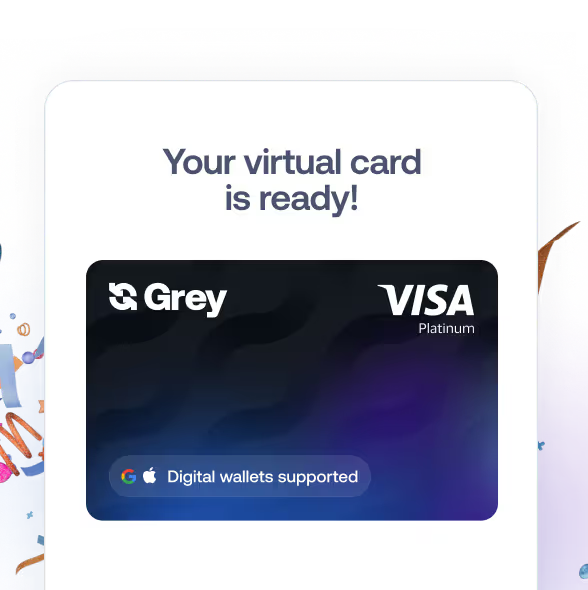
Your Grey card now works with Apple Pay and Google Pay. Create multiple cards, spend straight from your balance, and pay at 150 million merchants worldwide.
Get your new card
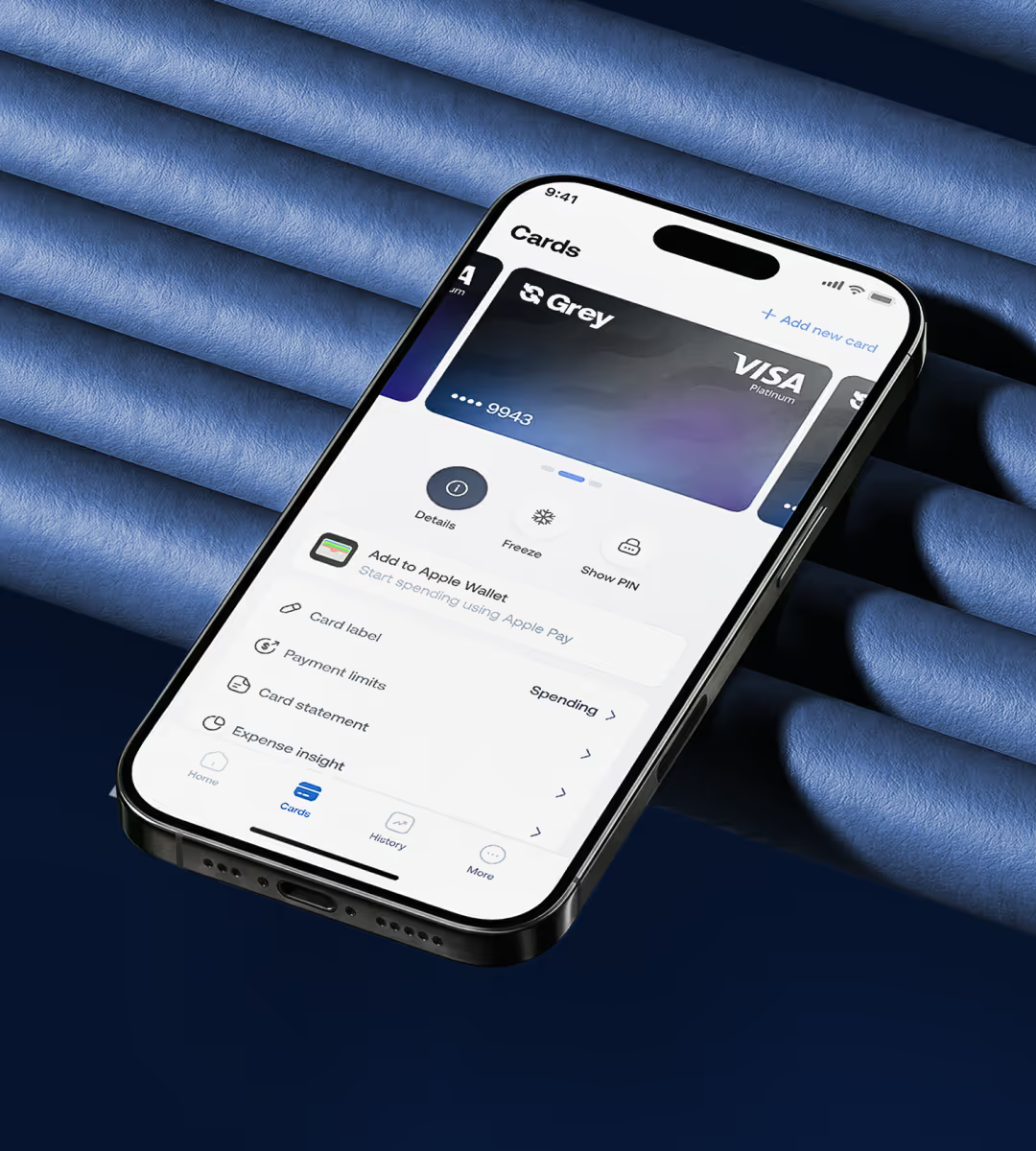
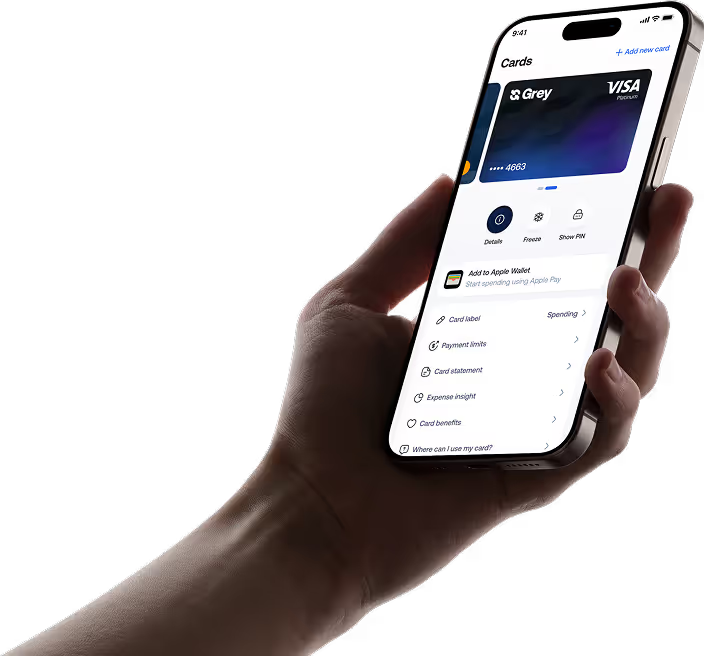
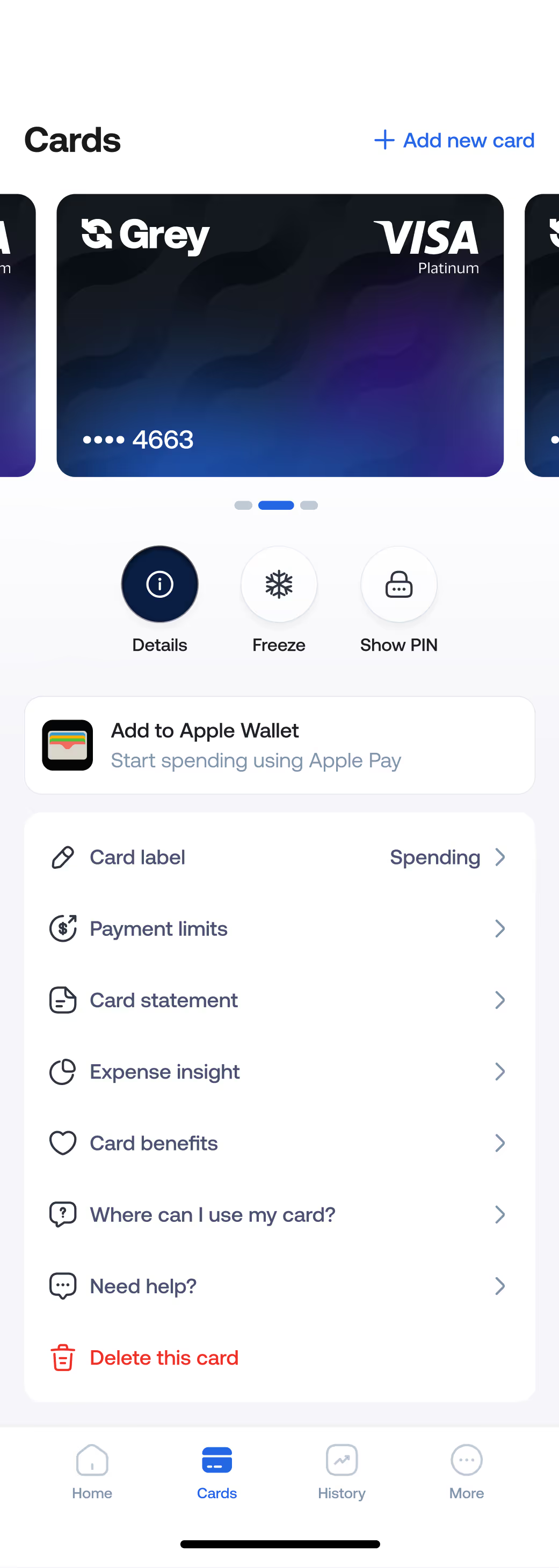
Mobile app screen displaying a Grey Visa Platinum card and options to manage card

Cards built for the borderless

Create multiple cards for every part of your life

One card for subscriptions. One for travel. One for business. Create as many as you need, each with its own limits and controls.
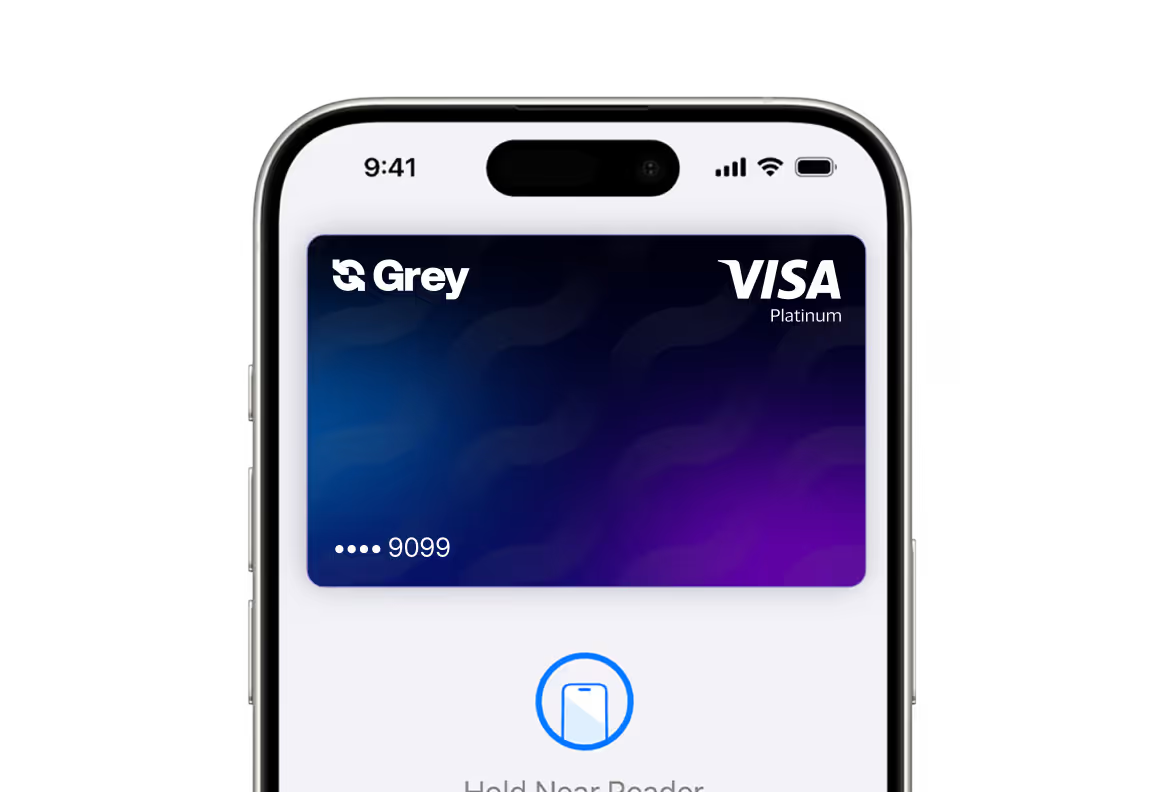
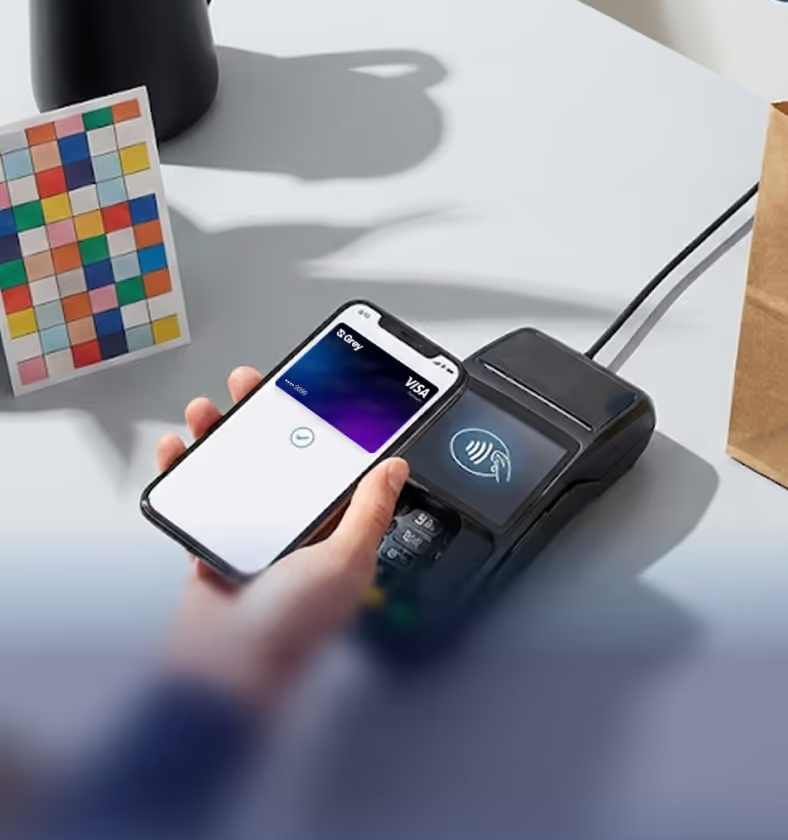
Add to Apple Pay or Google Pay

Pay with a tap. Add your Grey card to Apple Pay or Google Pay for contactless payments anywhere.
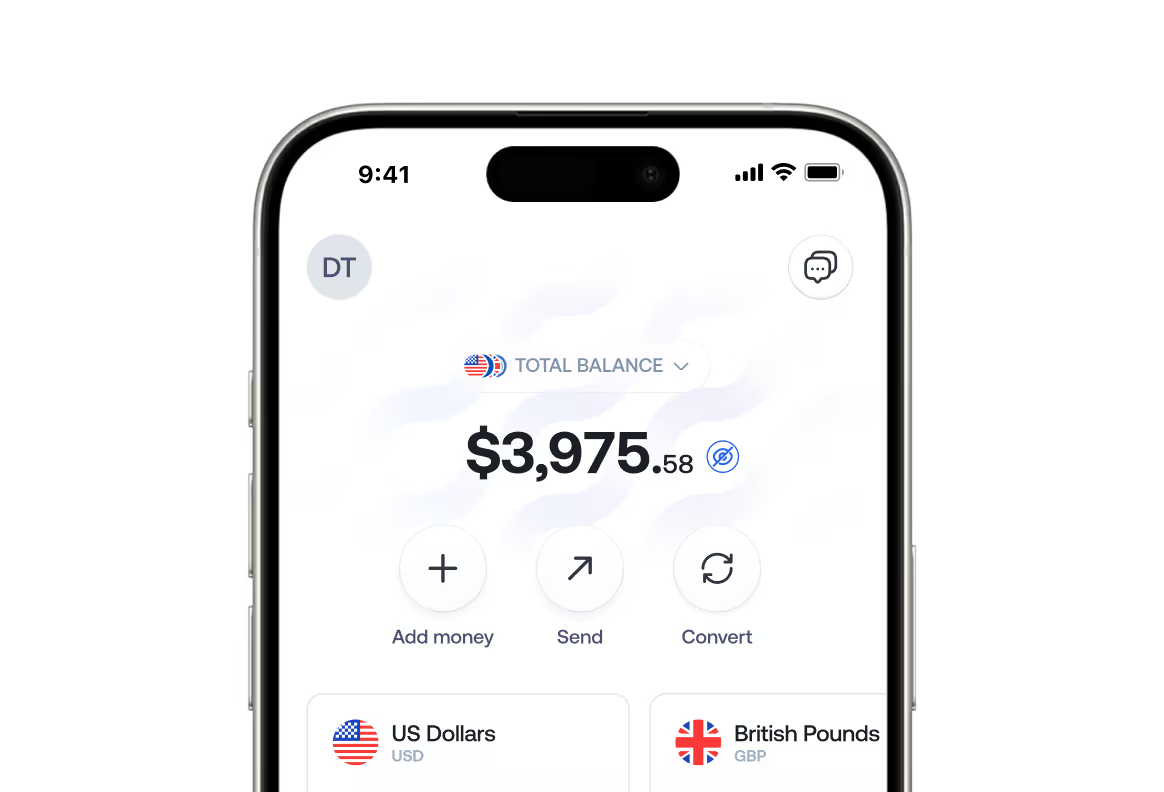
Spend directly from your balance, no manual top-ups

Your balance is your card. Spend directly from your USD, EUR, or GBP account, no separate card funding needed.
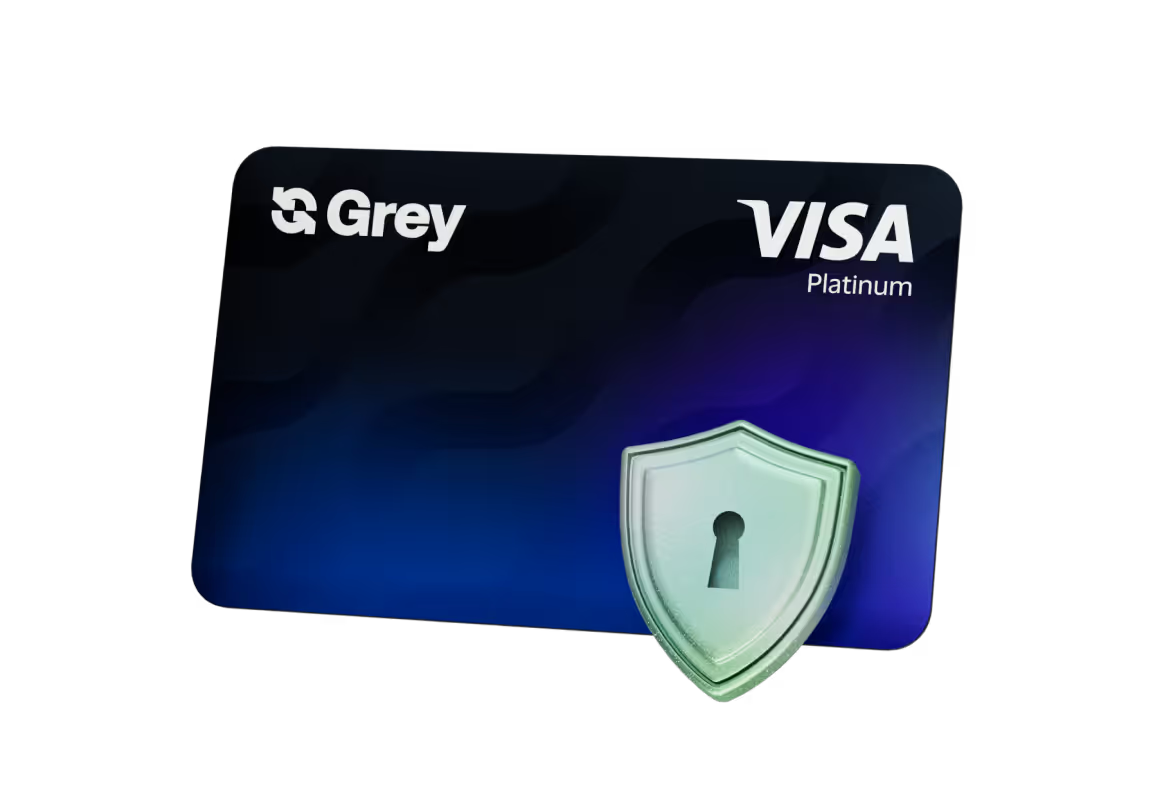
Extra protection with 3D Secure

Extra protection with 3D Secure. 3DS support means you personally authorize each transaction before it goes through.

Built for the way you live and work today

We built Grey virtual cards for the freelancers, remote workers, and digital nomads who live and spend across borders


Shop at over 150 million merchants world wide
Person in blue pants holding multiple colorful shopping bags indoors.
With you on-the-go, from booking that flight to spending wherever you go
Person in a red jacket pulling a white rolling suitcase indoors.
Use your card locally anywhere Visa is accepted, no matter the currency
Hand holding a smartphone with a Grey Visa Platinum card displayed, making a contactless payment on a card reader terminal.

Built with your security in mind

Your card is protected by industry-standard security, 3D Secure verification, and secure in-app controls, so you can spend confidently anywhere.


Grey branded Visa Platinum credit card with a green checkmark symbol in front.
Secure card creation and in-app management
Silver key over a purple shield with a keyhole in the center.
3D Secure verification on transactions
Stylized globe showing the continents of Africa, Europe, and parts of Asia in blue hues on a frosted spherical surface.
Visa’s global payment network

Get your virtual card in less than 5 minutes

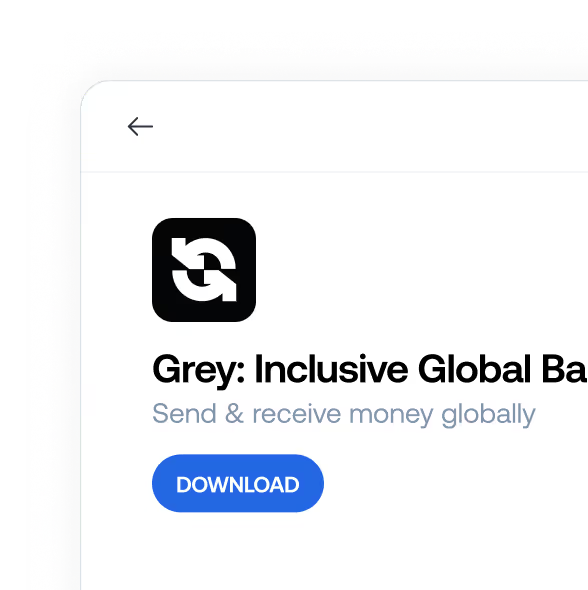
STEP ONE
Download the Grey app
App interface showing Grey Inclusive Global Bank logo, tagline 'Send & receive money globally,' and a blue download button.
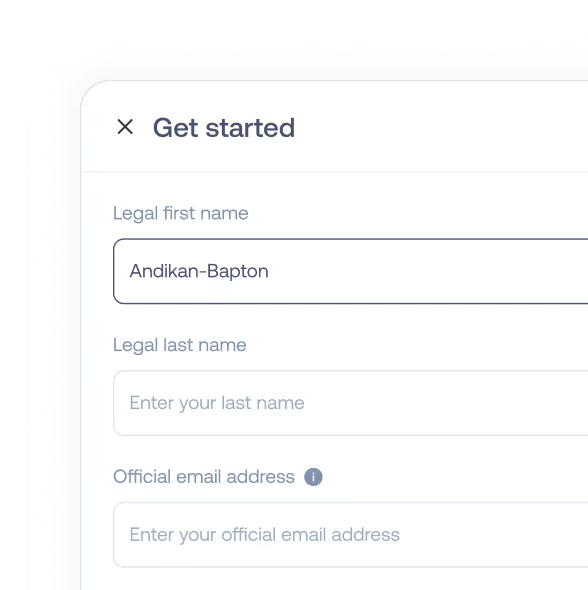
STEP TWO
Create your account
Form titled 'Get started' with fields for legal first name, legal last name, and email address inputs.
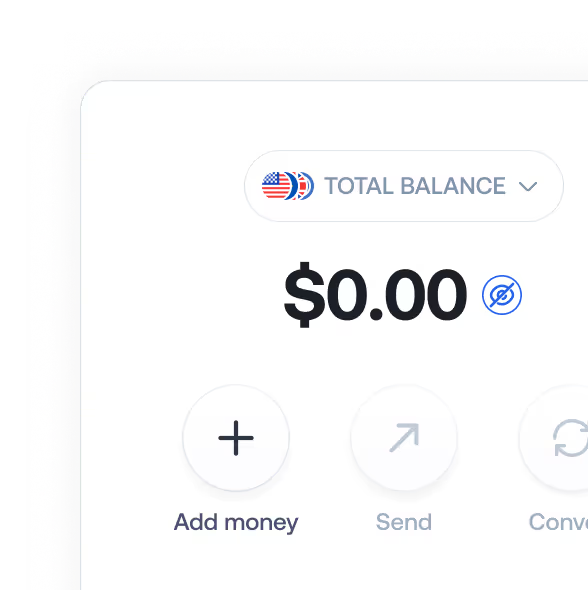
STEP THREE
Fund your account
Grey wallet interface showing total balance $0.00 with options to add money
STEP FOUR
Create your card instantly
Already have the app?
Go to Cards to create your new virtual card in seconds!
Create your card
Hand holding smartphone displaying a Grey VISA platinum card and options to manage card

Real stories from
our global community

Grey has been my go-to for Namecheap payments and YouTube, too, alongside Aliexpress for about a year now. Every now and then, I use it for some other sites I do not have recurring payment obligations with and Grey has made paying seamless all of the times.
Frank
I've used my Grey virtual card for online shopping and received payments from clients abroad through my Grey foreign account-everything has been smooth and hassle-free. Grey has made handling international transactions so simple and stress-free. Honestly, it's a total game-changer for anyone who deals with money across borders!
Ismail
Spent two frustrating weeks trying to set up a new Azure account, only to realize Naira cards are blocked for dollar transactions. Even after getting a  Mastercard no luck! Thanks to a friend's tip, I tried a Grey card and got verified in minutes. Azure set up successfully
Ayomide
If the debit is in USD, you'll need a USD card, I use Grey's virtual card. Haven't had any issues with them so far.
Leke
Wanted to pay for a course on Coursera, and local debit cards weren't working. I just ran to Grey and created a virtual USD card, funded it and paid under 5 minutes. Please use Grey to pay for your online courses. Would have been another frustrating evening
Jae
Grey Finance's virtual card for seamless cross-border payments.
Nydia
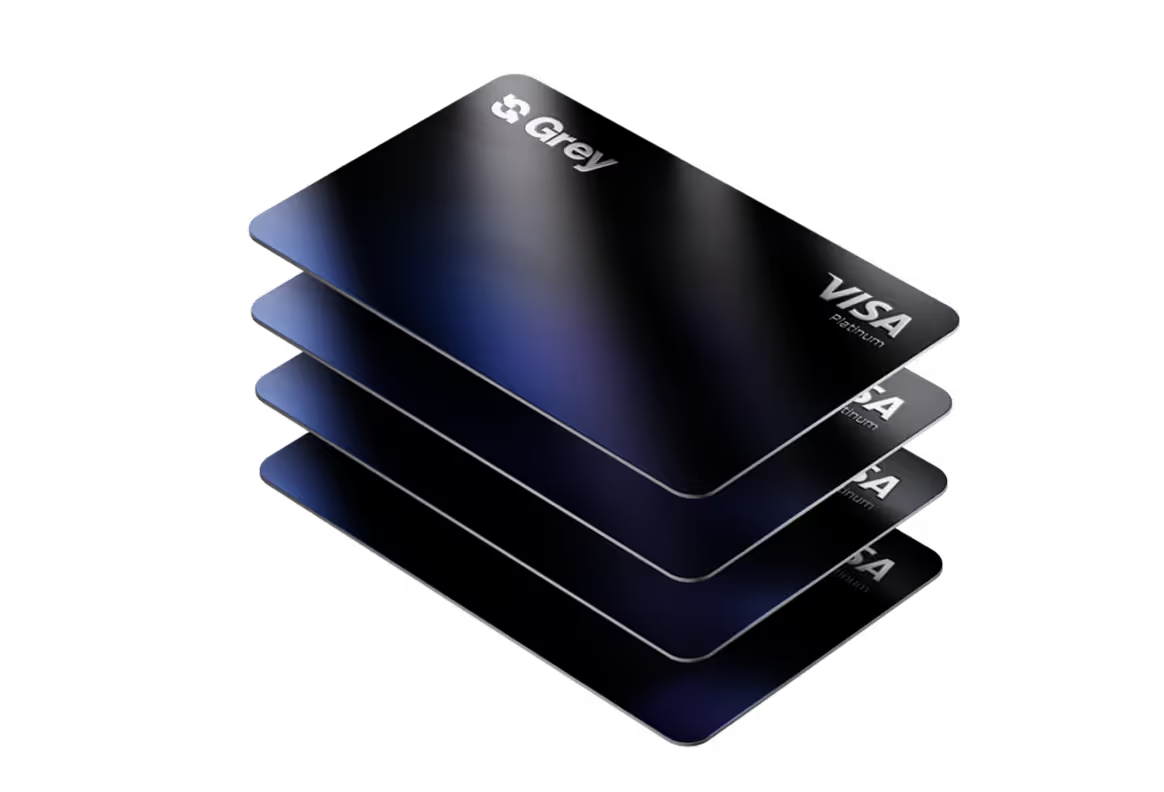
Two Grey Visa Platinum credit cards with a gradient black to blue design, slightly overlapping.

FAQs

How do I get the Grey virtual card?
You can get a Grey virtual card right in your Grey app, and it takes less than 5 minutes. Start by creating a Grey account, then create your virtual card directly from your dashboard. Already have the app? Go to Cards to create your new virtual Visa card in seconds.
Which currencies can I spend from
You can spend directly from any balance of your choice, in USD, EUR, GBP, or your local currency. Simply choose the balance you want, and your card will be linked automatically.
Do I need to fund my card before spending?
No. Your Grey virtual card is directly connected to your selected balance. If you have funds in your account, you can spend instantly — no extra steps.
Can I use my Grey card with Apple Pay or Google Pay?
Yes. You can add your Grey virtual card to Apple Pay or Google Pay in supported regions and enjoy fast, contactless payments online and in-store.
Can I create more than one virtual card?
Yes. You can create multiple virtual cards for different needs like subscriptions, travel, ad spend, or everyday payments. Each card can have its own limits and controls.
Is my Grey virtual card secure?
Yes. Grey virtual cards are protected with 3D Secure, Visa’s global payment network, and in-app controls that let you manage or pause cards anytime.
Where can I use my Grey virtual card?
Anywhere Visa is accepted — online, in apps, and in physical stores worldwide.
How long does it take to get a Grey virtual card?
Creating your Grey virtual card is an instant process. Just open your Grey app, go to Cards, and follow the prompts.
What if I need help?
Our Support team is available 24/7 to help you with anything you need, anytime.
Availability of card services depends on your location and supported jurisdictions. Learn more