



A freelance developer in Lagos may finish a project for a client in London, while a virtual assistant (VA) in Nairobi could be waiting for payment from a company in New York. Both have completed their work, but getting the money into their local accounts can be a different challenge altogether. Between currency conversion, international transfer fees, delayed payments and limited withdrawal options, receiving money across borders is not always straightforward.
That is why choosing the right apps for freelancers to get paid internationally matters just as much as finding clients. Some platforms let you hold multiple currencies, send professional invoices and receive payments directly from overseas clients, while others offer convenient local withdrawals. However, not every app supports every country or currency, and the cheapest option is not always the most convenient.
To help you make the right choice, we have rounded up 15 apps for freelancers to get paid internationally, comparing their payment options, fees, currency support and accessibility. Whether you work with clients across continents or manage projects for a few overseas businesses, this guide will help you find an option that makes getting paid easier.
How do freelancers get paid by international clients?
Freelancers generally receive international payments through three main routes: freelance marketplaces, virtual foreign bank accounts, and direct bank transfers or payment links. Each route offers a different level of convenience, payment protection and control over how money moves from the client to the freelancer.
1. Global freelancing marketplaces
Freelance marketplaces provide an all-in-one environment where freelancers find clients, agree on project terms, submit completed work and receive payments. Platforms such as Upwork and Fiverr collect payments from clients and release the funds according to their payment policies. Some also offer escrow protection, which helps reduce the risk of working with clients who refuse to pay after receiving completed work.
The main advantage is that freelancers do not have to negotiate international payment arrangements with every new client. However, marketplace service fees and withdrawal charges can reduce earnings, and freelancers have less control over the payment process.
2. Virtual foreign bank accounts
Virtual foreign bank accounts allow freelancers to receive money in currencies such as US dollars, euros and British pounds without necessarily having a physical bank account in those countries. Providers such as Payoneer, Wise, Grey and Geegpay offer different types of foreign currency receiving details that clients can use to send payments through supported banking networks.
This route is particularly useful for freelancers who work with multiple international clients outside freelancing marketplaces. Instead of asking every client to arrange an international wire transfer, they can provide suitable receiving account details. However, currency conversion, account eligibility and withdrawal options vary by provider and country.
3. Direct bank transfers and payment links
Freelancers who find clients independently can collect payments through traditional international bank transfers or online payment links. With a bank transfer, the client sends money directly to the freelancer's designated account, sometimes through the SWIFT network. Payment links offer another option, allowing clients to pay invoices using supported debit or credit cards.
Services such as Stripe, Paystack and Flutterwave make it easier to collect digital payments, depending on the freelancer's country and account eligibility. This approach gives freelancers greater control over their client relationships and payment terms, although transfer charges, card processing fees and currency conversion costs can affect the final amount received.
Comparison of the three international payment routes
Multi-currency accounts
A multi-currency account allows freelancers to receive, hold and manage money in different currencies, particularly USD, GBP and EUR. Instead of having every international payment converted automatically into naira or another local currency, you receive the money in the currency your client sends.
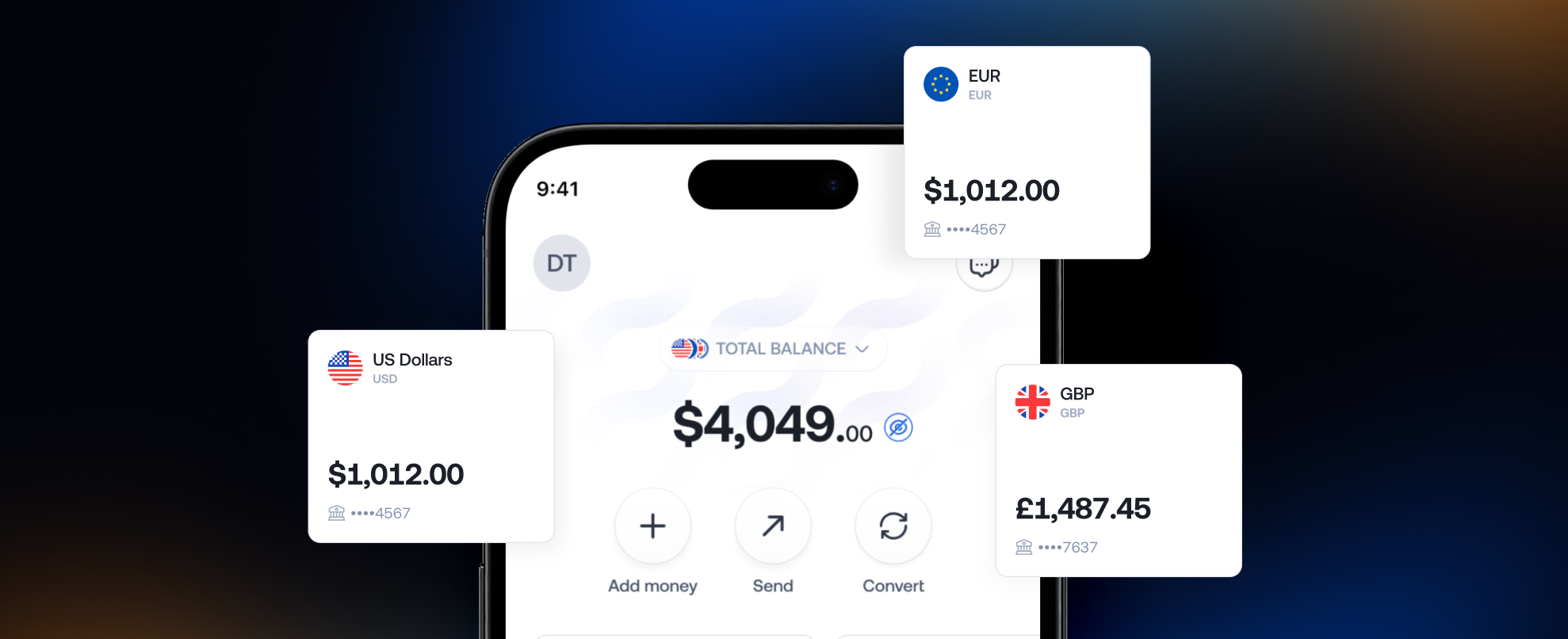
For example, a client in the US can pay you in dollars using your USD receiving details, while a UK client can send pounds to your GBP account. The same applies to euros from eligible European clients.
This is different from receiving international payments directly into a regular local bank account, where:
- Automatic conversion: Your bank may convert incoming foreign currency into your local currency immediately.
- Exchange-rate markups: Your bank may offer a less favourable exchange rate, reducing the amount you receive.
- Less control: You cannot always choose when to convert your earnings or hold them for future expenses.
With a multi-currency account, you can keep your money in its original currency and convert it when needed. This gives you more control over exchange rates and helps avoid unnecessary conversion losses.
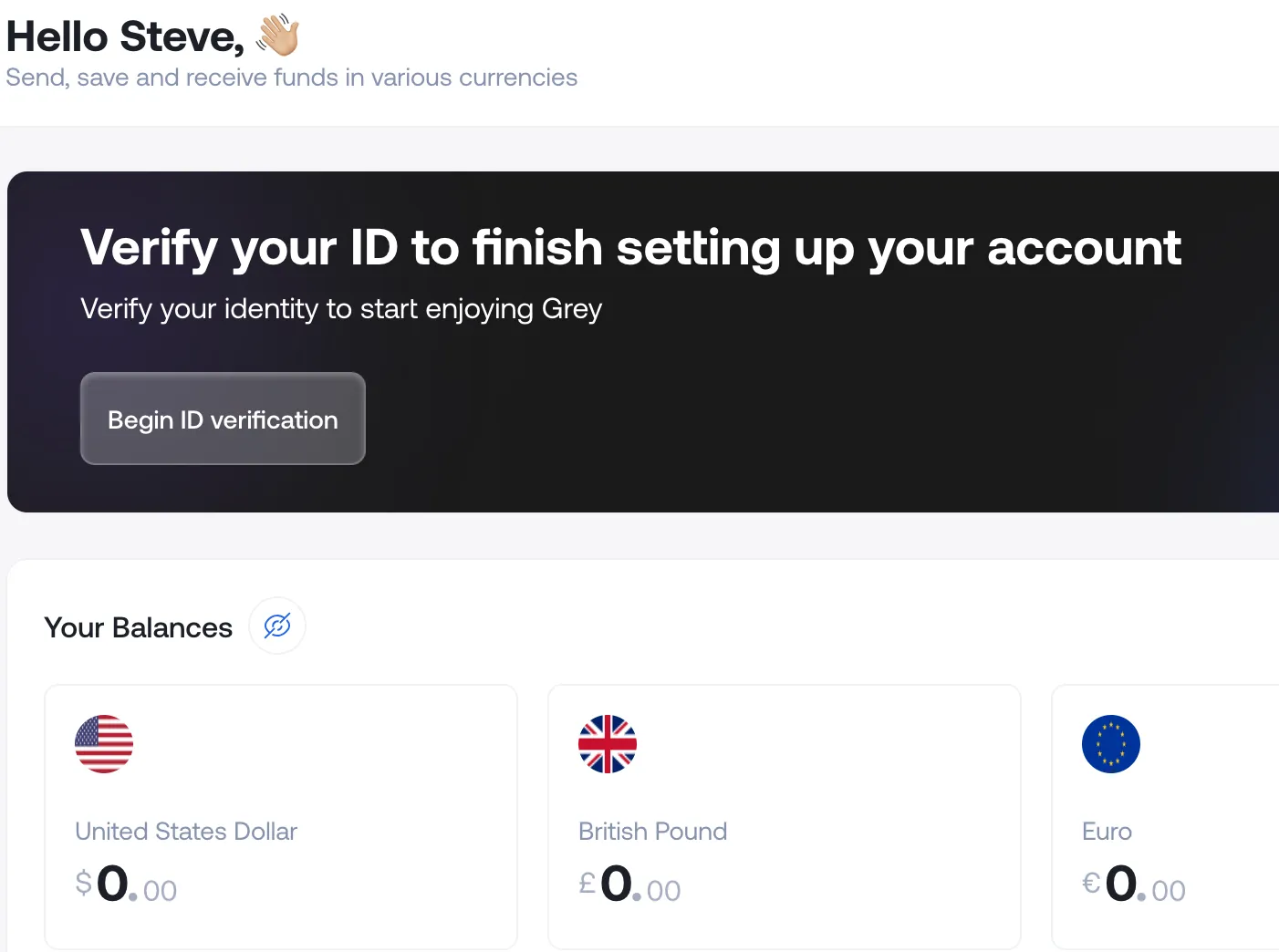
Grey makes this easier by offering a multi-currency account where freelancers can manage USD, GBP and EUR balances from one place. You can find out what to look for in a multi-currency account and see how features such as transparent fees, currency support and conversion flexibility can help you manage international earnings more effectively.
Invoicing and payment request apps
These apps help freelancers create professional invoices, send payment requests and collect money from international clients without handling every transaction manually.
1. Payoneer: Sends professional payment requests and allows freelancers to receive international payments through virtual bank details and multiple supported currencies.
2. Paystack: Lets Nigerian freelancers create branded payment links and collect international card payments directly from clients through a simple checkout process.
3. Flutterwave: Supports multi-currency payment links and invoicing, allowing freelancers to bill overseas clients and collect payments through supported international payment methods.
4. Grey: Allows freelancers to create foreign currency invoices and receive payments through USD, GBP and EUR virtual accounts with local banking details.
5. Geegpay: Helps African freelancers create professional invoices, share payment requests and receive international payments through supported foreign currency virtual accounts.
6. Wise: Enables freelancers to request payments, share account details and receive money in multiple currencies through supported international and local banking networks.
7. Stripe: Offers hosted invoices and payment links that allow freelancers to collect international payments through cards and supported bank payment methods.
8. PayPal: Allows freelancers to create and send customised invoices that international clients can pay using their PayPal balances or eligible cards.
9. Deel: Provides contractor invoicing and payment management, helping freelancers submit invoices and receive earnings from international companies through supported withdrawal methods.
10. Wave: Offers free invoicing software that helps freelancers create estimates, send professional invoices, track payments and accept online payments.
11. FreshBooks: Combines invoicing, expense tracking and accounting tools, allowing freelancers to send payment requests and manage client transactions in one place.
12. Zoho Invoice: Provides free invoicing tools for creating customised invoices, automating payment reminders and collecting payments through supported third-party payment gateways.
13. Bonsai: Combines invoicing, contracts, proposals and client management tools, helping freelancers organise projects and collect payments through integrated payment processors.
14. HoneyBook: Helps freelancers manage client bookings, send invoices, automate payment reminders and collect payments through an integrated client management platform.
15. Square Invoices: Allows freelancers to create digital invoices, send payment reminders and collect payments online through supported card and payment methods.
Read also: Best free invoicing tools
Fees and exchange rates
The amount an international client sends is not always the amount that reaches your local bank account. Payment apps charge different fees for receiving money, processing card payments and converting foreign currencies. Some advertise low receiving fees but make their money through exchange-rate markups, while others charge a higher upfront fee with more competitive conversion rates.
The table below compares the estimated costs of popular payment apps, including the additional charges freelancers should consider before choosing one.
Choosing a payment app by client location
The easiest way to choose a payment app is to consider where your client is based and how they prefer to send money. Not every client wants to make an international bank transfer, especially when they can pay through a familiar local banking method. Choosing an app that supports your client's local payment network can help reduce transfer fees, delays and payment difficulties.
Also read: ACH, SWIFT, Wire and FedNow: What they are and when to use each
1. United States: ACH and domestic bank transfers
If most of your clients are in the US, consider Grey, Geegpay or Payoneer. These services offer eligible freelancers USD receiving details that allow US clients to pay through domestic ACH transfers rather than expensive international wires. This makes payment more familiar and convenient for American businesses.
2. UK and Europe: Faster Payments and SEPA
For clients in the UK or Europe, Wise, Grey and Geegpay are worth considering. They provide eligible freelancers with GBP or EUR receiving details, allowing clients to pay through UK Faster Payments or SEPA bank transfers. These local payment methods are generally cheaper and simpler than sending money internationally.
3. International clients who prefer card payments
Some clients would rather pay an invoice using a debit or credit card than arrange a bank transfer. In this case, Paystack and Flutterwave offer payment links that let clients pay online without setting up a bank transfer. This is particularly useful when working with multiple clients who have different banking preferences.
Frequently asked questions about the best apps for freelancers to get paid internationally
1. What is the cheapest way for freelancers to get paid abroad?
Virtual multi-currency accounts are often among the cheapest options, especially when clients can pay through local bank transfers. Services such as Grey, Wise and Geegpay offer foreign currency receiving options. Compare receiving, conversion and withdrawal fees before choosing.
2. Can I receive USD without a US bank account?
Yes. You can use virtual USD receiving accounts from providers such as Grey, Payoneer and Geegpay, subject to eligibility. These accounts provide US banking details that eligible international clients can use to send payments without you owning a physical US bank account.
3. How long do international freelance payments take?
Payment times depend on the app and transfer method. Local bank transfers can arrive within hours or 1–3 business days, while international SWIFT transfers may take 2–5 business days. Card payments and marketplace withdrawals also have different processing and settlement periods.
4. Do I pay tax on foreign client payments?
Yes, foreign freelance income may be taxable in your country of residence, even when clients pay you in another currency. Your tax obligations depend on local regulations, income thresholds and applicable exemptions. Keep invoices and payment records to support accurate tax reporting.
5. Which app is best for African freelancers?
Grey, Payoneer and Geegpay are worth considering because they offer foreign currency receiving options for eligible African freelancers. The best choice depends on your country, supported currencies, withdrawal methods and transaction fees. Check local availability before opening an account.
6. Can I invoice in one currency and receive in another?
Yes. Some invoicing and payment platforms allow you to bill clients in USD, GBP or EUR and receive the converted amount in your local currency. The conversion may happen automatically or when you withdraw, depending on the provider and account settings.