



Make more of your salary with Paycheck

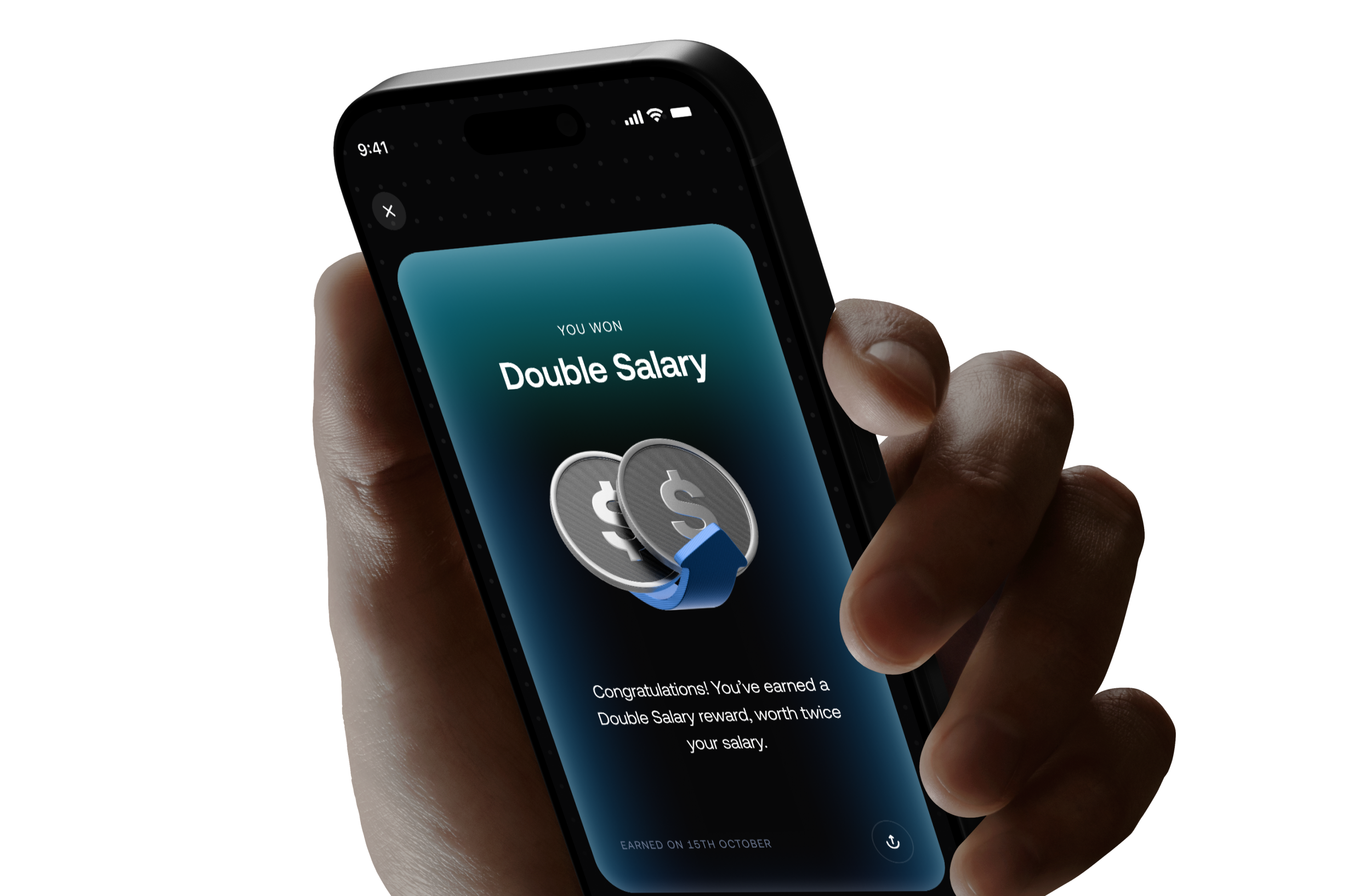
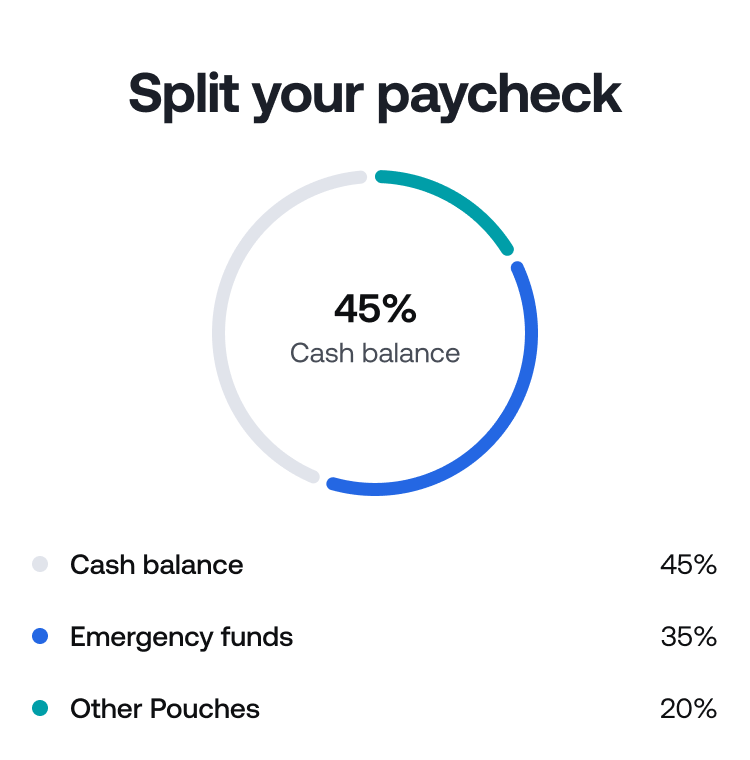
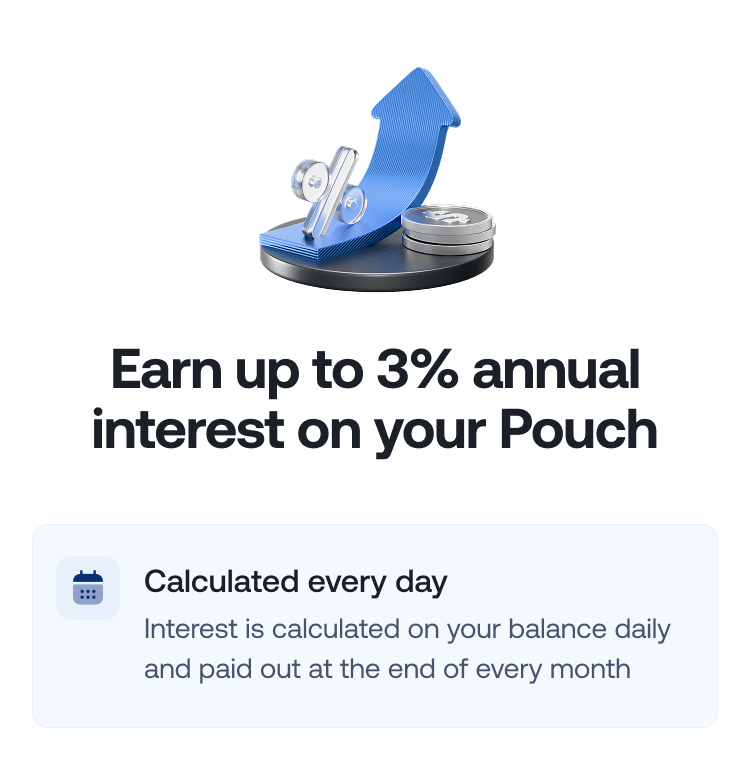
Split your salary automatically, earn up to 3% APY on savings and enter monthly draws for a chance to win double your salary or free transfers.
Trusted by 3M+ people around the world
4.7
/5.0
GOOGLE PLAY • 22K REVIEWS
4.6
/5.0
APP STORE • 12K REVIEWS

How it works

How it works

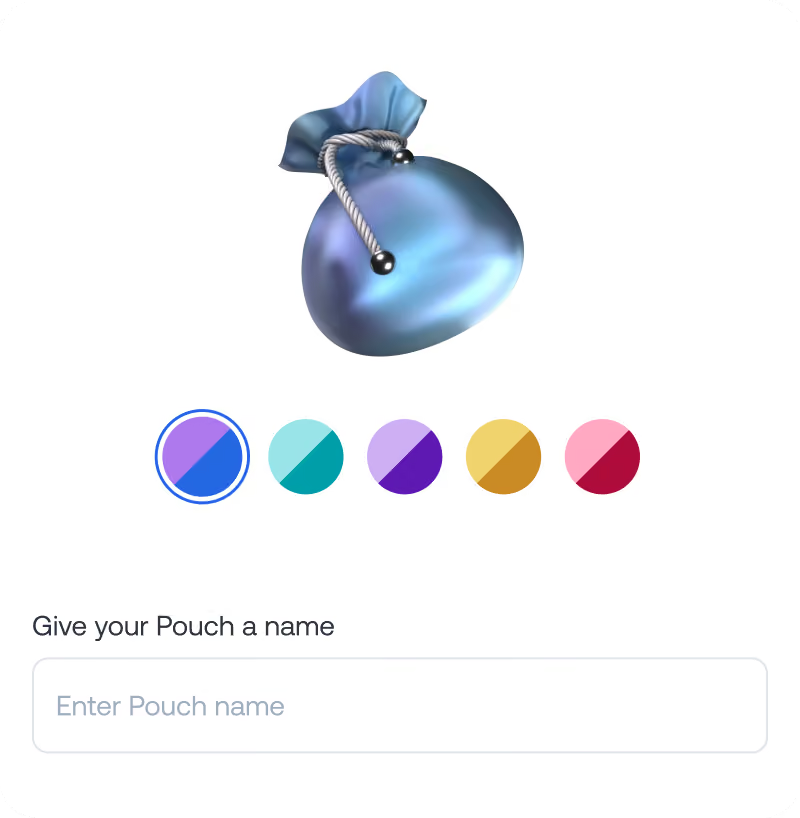
Create a Pouch

Choose USD, GBP or EUR and give your Pouch a name.

Fund it

Move money into your Pouch from your Grey balance, or let round-ups build it for you.

Turn on Round-ups

Every card transaction sends spare change into your Pouch. Check in anytime to see how close you are.

Reach your goal

Add more when you can, and move your money back to your Grey balance instantly when you need it.

How it works

How it works

Create a Pouch

Choose USD, GBP or EUR and give your Pouch a name.
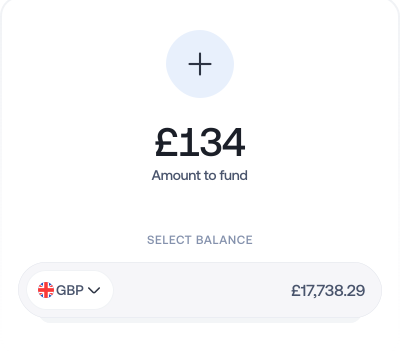
Fund it

Move money into your Pouch from your Grey balance, or let round-ups build it for you.
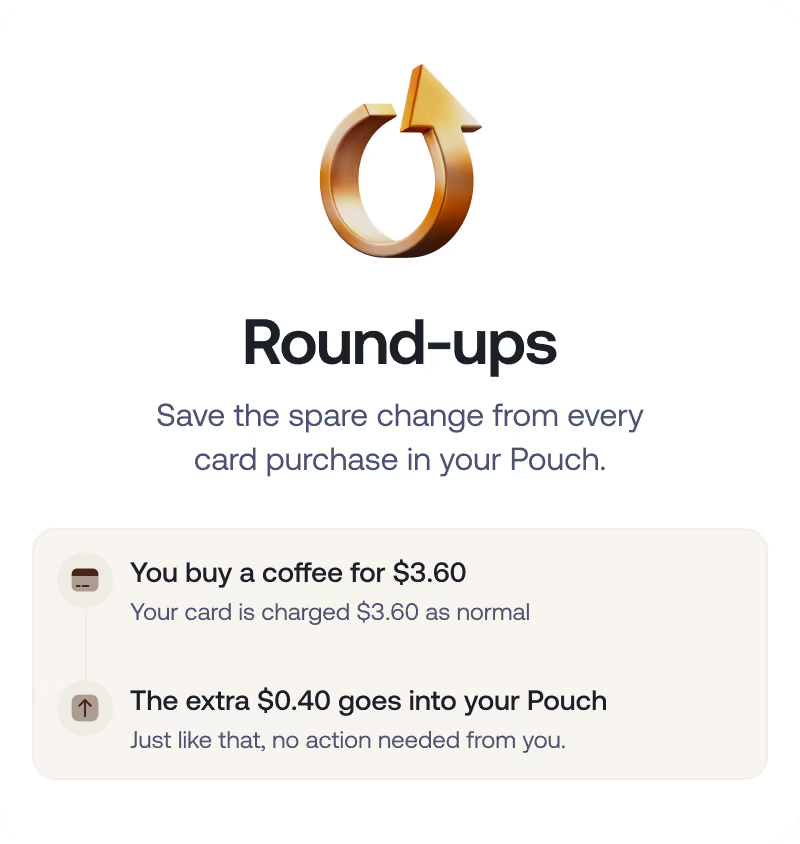
Turn on Round-ups

Every card transaction sends spare change into your Pouch. Check in anytime to see how close you are.

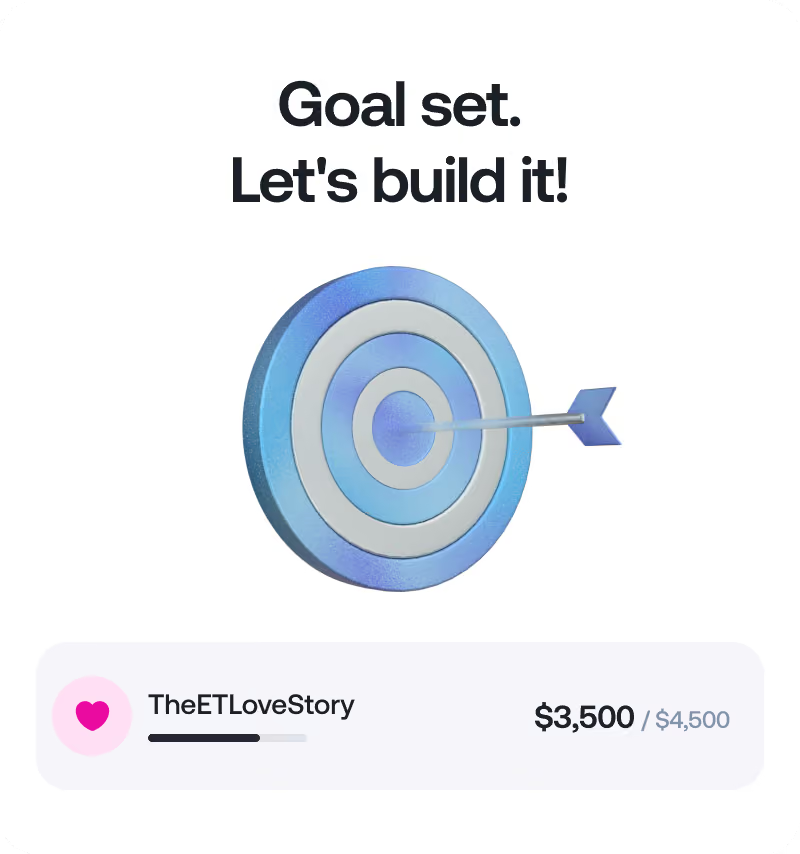
Reach your goal

Add more when you can, and move your money back to your Grey balance instantly when you need it.


GET STARTED

Good things come to those who get paid

Good things come to those who get paid

Your salary should do more than cover expenses. Unlock exclusive rewards and make more of every payday with Grey Paycheck.
Two overlapping 3D blue speech bubbles, one with three raised dots representing a chat.

FAQs

Can freelancers use Paycheck?
expand
Paycheck is currently designed around qualifying salary payments from an employer. Check Grey’s eligibility rules to clarify if your income counts.
How does the double salary draw work?
expand
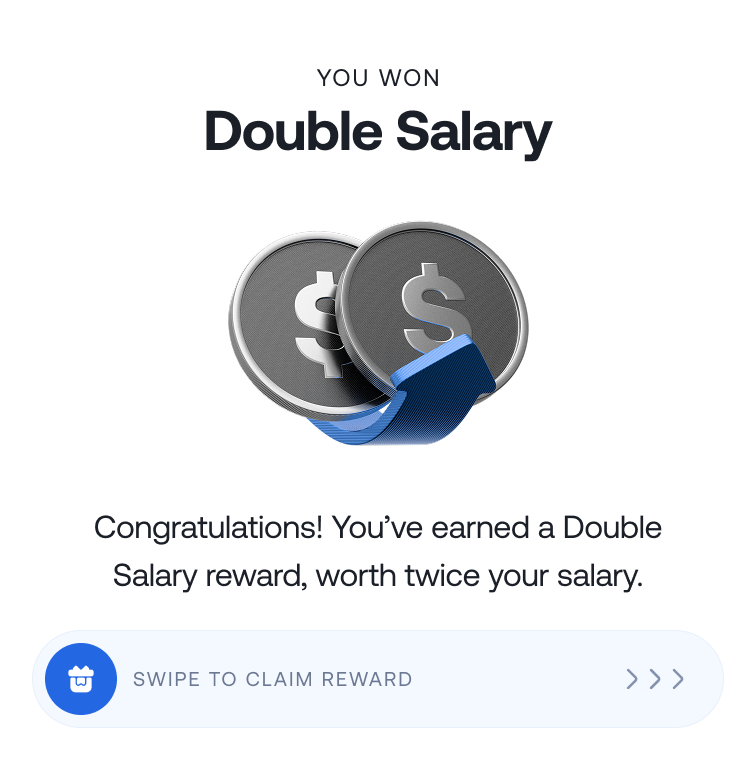
Each month, eligible users are selected for the double salary reward. Winners receive a reward equivalent to 2x their salary, paid over six months.
Do I need a new app or account to use Paycheck?
expand
No. Paycheck works within your existing Grey account. There’s nothing new to download or set up.
What if my salary arrives but Paycheck doesn’t activate?
expand
Check that the payment arrived in the correct Grey account and check that the transaction has been identified as your salary. If this problem persists, contact Grey Support for help.
Where can I find my salary account details?
expand
Open your Grey account and find the account details for the currency your employer will pay you in. Make sure the information matches the account and currency you expect your salary to be paid in.
How do I switch to Paycheck?
expand
Share your account details with your employer. Then receive your salary into your Grey account and tag the payment as salary.
What is Paycheck?
expand
Paycheck is Grey’s salary account for professionals paid in USD, EUR or GBP. It helps you organise your income, earn higher interest on savings, and receive additional benefits when you continue to receive your salary through Grey.
This is some text inside of a div block.